Knowledge Base
After a project has been created, you can now start creating issues.
An issue is essentially a task that a user is going to work on. Creating an issue allows for efficient collaboration because you can assign the issue to a specific user within a project, and provide updates or have discussions within the issue by adding comments to it.
How to create an issue:
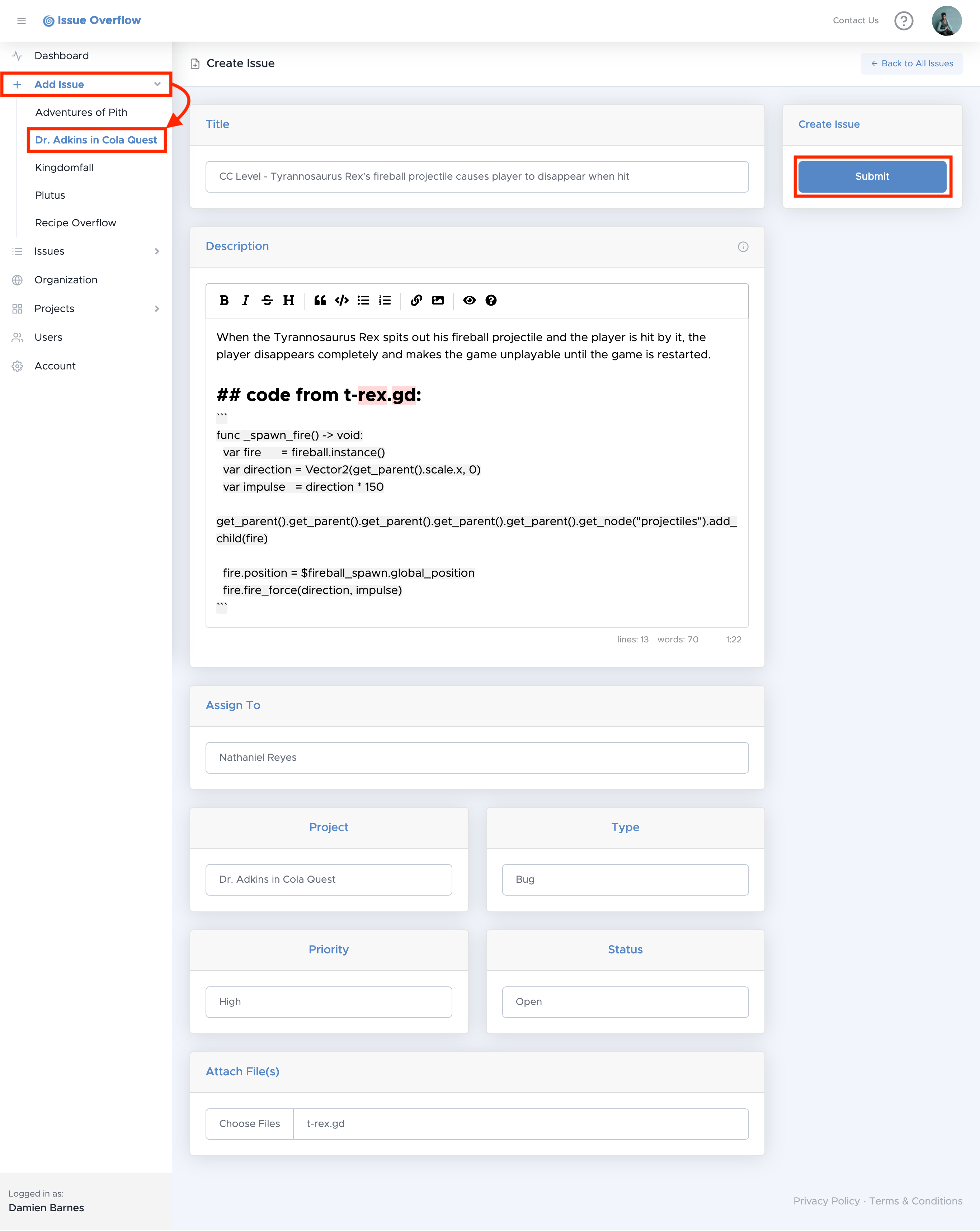
- Select Add Issue, then select a project
- You will be redirected to the Create Issue form where you will enter your desired Issue fields. To learn more about the fields of an Issue, click here
- Select Submit on the top right.
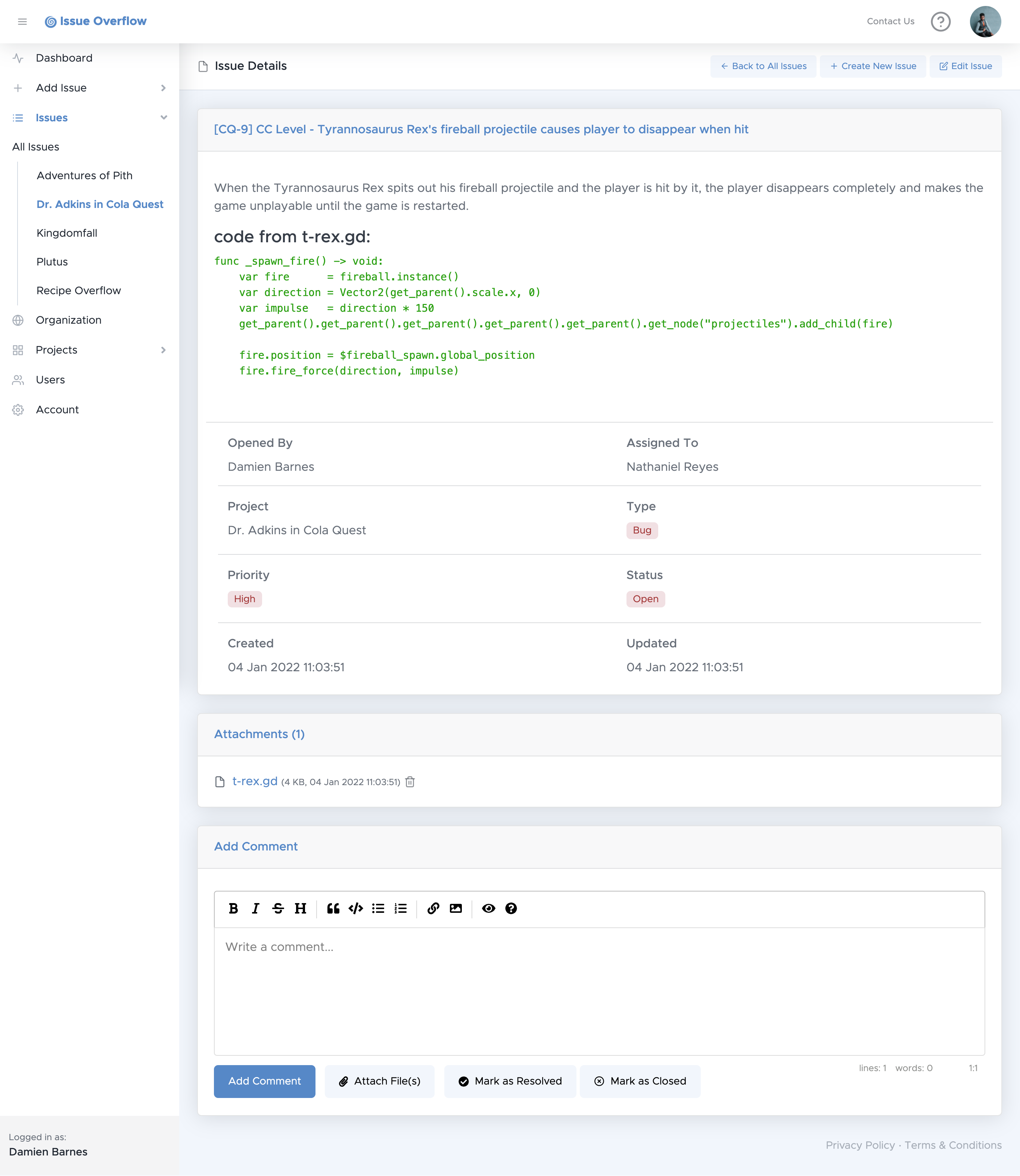
Upon creating an Issue, you will be redirected to the newly created Issue's full details page, as shown below. To learn more about the Issue details page, click here