Knowledge Base
Description
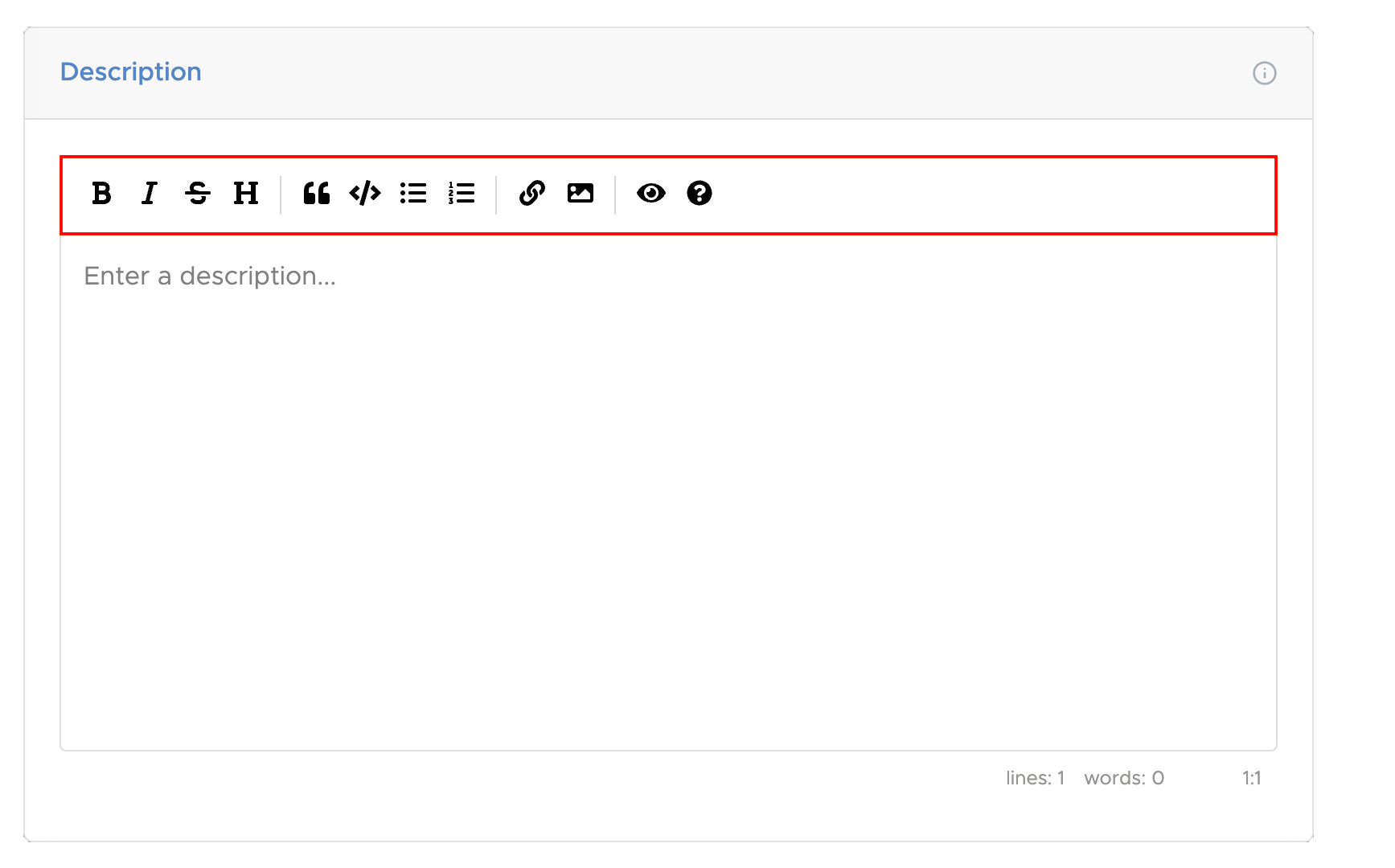
The description is a rich text field where you would describe or summarize what the issue entails. On the top of the text field is a toolbar that allows you to format the text. You can add Bold, Italicized, Strikethrough, and Heading text. You can also add Quotes, Code, Bulleted lists, Numbered lists, Links, and Images.
To preview what your description would look like when the text is formatted, select the button.
For more details on rich text formatting, select the button.
Assign To
The Assign To field shows who is in charge of resolving the issue
Project
The Project field shows which project the issue is for
Type
The Type field categorizes the issues into the following four types:
Bug
bugs, defects, problems, etc.
Task
tasks, to-dos, etc.
Request
requests, questions, etc.
Other
types other than the above
Priority
The Priority field describes how urgently the issue needs to be completed.
High
issues that are of highest priority and must be taken care of as soon as possible
Normal
issues that are of normal priority and can be taken care of as they come in
Low
issues that are of low priority and can be taken care of whenever
Status
The Status field describes how far along the issue is from being completed.
Open
issue has not been worked on yet
In Progress
issue is currently being worked on
Resolved
issue has been fixed/resolved
Closed
issue has been reviewed, tested, and completed
Estimated Hours
The Estimated Hours field provides an estimate of how many hours are needed to resolve the issue
Due Date
The Due Date field provides a date in which the issue should be resolved by