Issue Overflow
Contact Us
Help
Getting Started
A guide for new users.
Knowledge Base
Articles to help you understand
individual features and settings.
Login
Knowledge Base
Knowledge Base
Issues
Attaching Files
Attaching Files
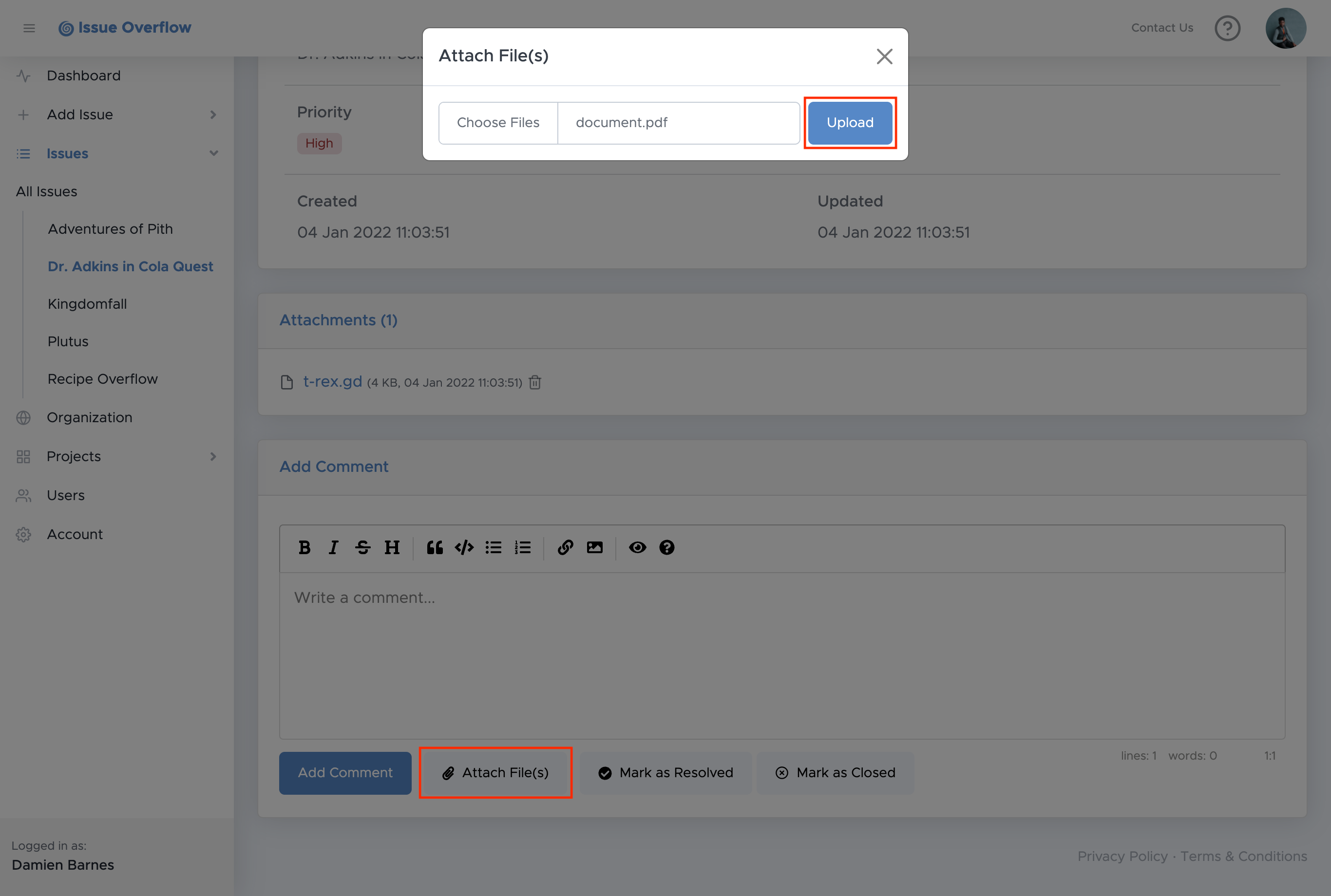
How to attach a file to an issue:
Go to an existing issue's details page.
Go to the bottom of the page.
Select the
Attach File(s)
button.
Choose your files then select
Upload
.