Knowledge Base
To make changes to your account information, either select Account on the left navigation menu or select your Profile button on the top right, then select Account from the dropdown menu.
On this page you can upload a profile picture and update your first name, last name, and email address.
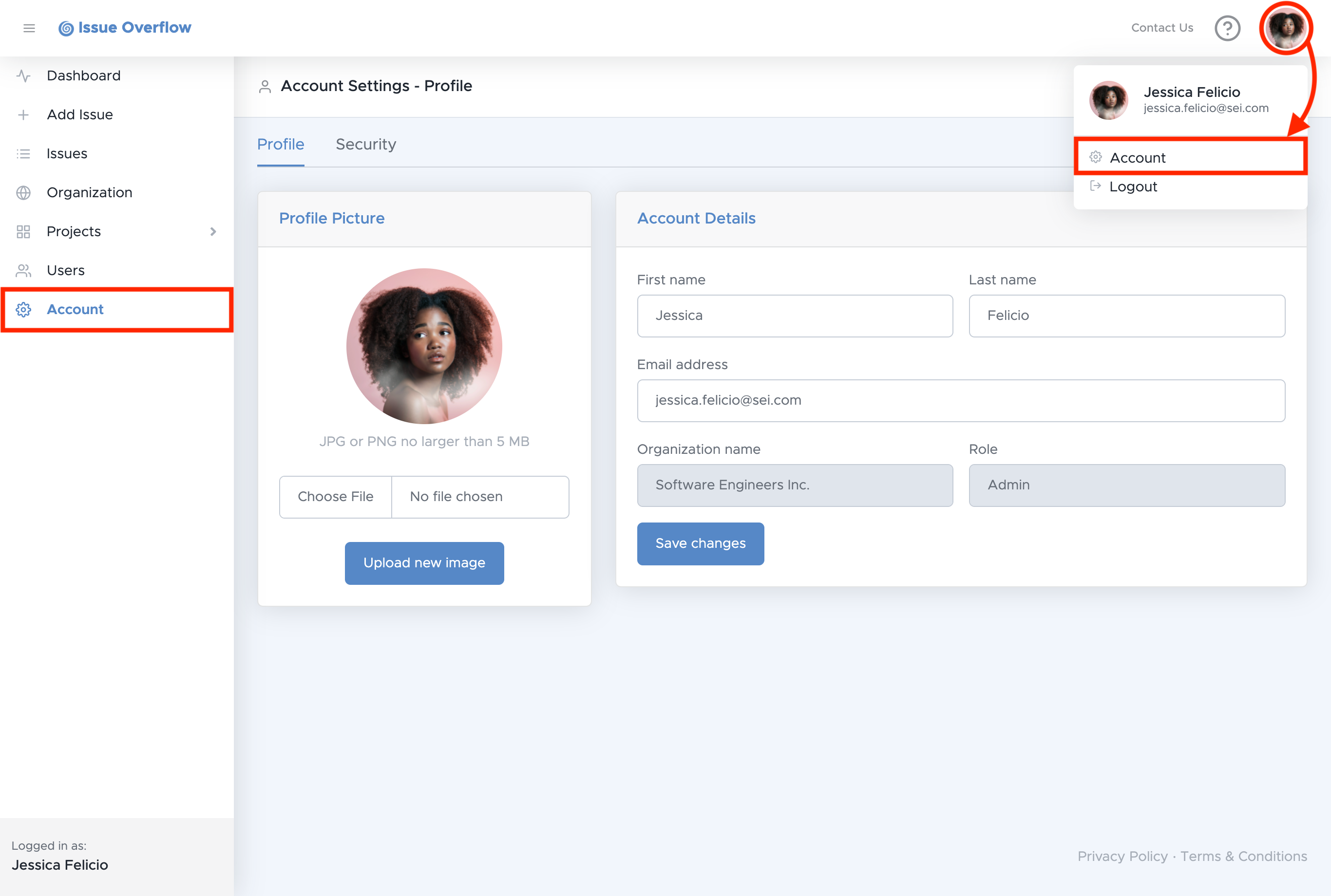
After uploading a profile picture, select Upload new image.
After making changes to your account information, select Save changes.